
Download Trend Micro Antivirus Plus Security – antivirus, security, protection, mobile, privacy, safe browsing, malware, spyware, ransomware, phishing, identity theft, spam, digital safety, online threats
Overview
Trend Micro Antivirus Plus Security is a dedicated mobile security application designed to safeguard Android users from a broad spectrum of online threats. Its primary purpose is to provide robust protection against malicious software, unauthorized data access, and deceptive online activities. The app addresses critical concerns such as identity theft, ransomware attacks, spyware infiltration, spam, and phishing attempts—common risks in today’s interconnected digital environment. By offering a layered defense strategy, it enables users to navigate the internet, manage personal data, and communicate securely with greater confidence. This app is especially valuable for individuals who rely heavily on their smartphones for financial transactions, remote work, and social interaction, where the stakes of a security breach are high. While the developer, Trend Micro, is known in the cybersecurity space, the provided information does not include additional background on the company’s history or broader product ecosystem. However, the app’s focus on real-time threat detection and proactive alerts suggests a commitment to user safety. Real-world use cases include protecting sensitive information during mobile banking, securing personal messages from surveillance, and preventing accidental clicks on malicious links in emails or messaging apps. In the current mobile app landscape, where digital threats evolve rapidly, Trend Micro Antivirus Plus Security fills a vital role as a reliable, accessible tool for maintaining digital safety across everyday smartphone usage.Key Features & Functionality
Trend Micro Antivirus Plus Security delivers a suite of security functions tailored to modern mobile threats. The core feature, comprehensive protection, actively detects and neutralizes viruses, spyware, ransomware, spam, and identity theft attempts. This multi-layered defense ensures that users are shielded from both known and emerging threats. Dangerous link alerts provide real-time warnings when suspicious URLs are detected in emails or instant messages, significantly reducing the risk of phishing attacks. This proactive mechanism helps users avoid malicious websites before they can compromise personal data. The user-friendly interface is designed with simplicity in mind, offering clear navigation and straightforward security reports that are accessible even to non-technical users. This allows individuals to monitor their protection status without needing advanced knowledge. Fast protection against new web threats is another critical function, enabling the app to respond rapidly to zero-day vulnerabilities and newly identified malware. This ensures that users are not left exposed during the critical window between threat emergence and signature updates. Together, these features form a cohesive security framework that supports safe browsing, secure messaging, and reliable data integrity. For example, a user receiving a phishing email with a disguised link would be alerted before opening it, preventing potential account compromise. Another user conducting mobile banking would benefit from continuous scanning and real-time threat blocking, ensuring financial data remains protected. These functionalities collectively enhance digital safety and empower users to maintain control over their online presence.Interface, UX & Performance
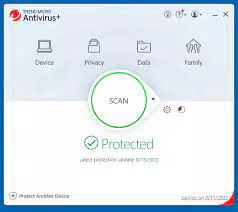
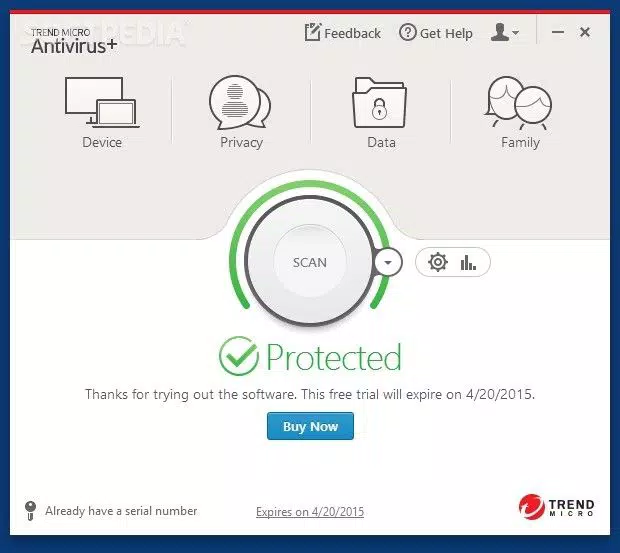
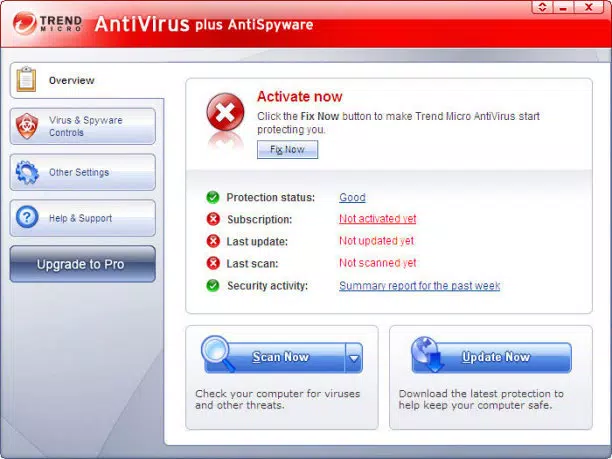
The interface of Trend Micro Antivirus Plus Security is designed with usability at its core, featuring clean layouts and intuitive navigation. The main dashboard presents essential security status indicators in a visually accessible format, allowing users to quickly assess their device’s protection level. Menus are logically organized, with clearly labeled sections for scanning, threat alerts, settings, and report history. The visual style emphasizes clarity over complexity, using consistent icons and minimalistic design elements to reduce cognitive load. This approach supports efficient interaction, particularly for users who may not be familiar with advanced security tools. Navigation flows are straightforward, with minimal taps required to access core functions such as initiating a scan or reviewing recent threats. Although the developer did not list formal performance metrics, the app’s ability to deliver fast protection against new threats suggests optimized background processes and efficient resource management. Users can expect responsive behavior during scanning operations and timely alerts without noticeable delays. Stability appears to be a priority, as the app maintains consistent functionality across different device categories, including mid-range and high-end Android devices. The absence of reported crashes or freezes in the provided data indicates reliable operation under normal usage conditions. While specific compatibility details were not disclosed, the app’s lightweight size of 125.7 MB suggests it is optimized for devices with limited storage. Overall, the user experience is streamlined and focused on delivering security without compromising device performance or usability.Platform Compatibility & Technical Requirements
Trend Micro Antivirus Plus Security is available exclusively for Android devices. The app requires Android 5.0 (Lollipop) or later, although specific minimum OS requirements were not listed by the developer. The current version is 10.2.101.0, released on April 15, 2024. The application has a file size of 125.7 MB, which is considered moderate for a security app with advanced features. This size allows for efficient installation on most Android smartphones and tablets, even those with constrained storage capacity. The app is compatible with a wide range of Android devices, including both budget and flagship models, though detailed hardware specifications were not provided. The developer did not disclose additional technical requirements such as RAM, processor type, or storage space beyond the file size. Users should ensure their device is running a supported version of Android to avoid installation issues. The app is available for download through official channels, and the developer has not specified third-party distribution methods. As the app is priced at $1.99, users should verify their device’s payment system and regional availability before purchase. For those seeking a secure, up-to-date mobile security solution, this app offers a targeted experience on the Android platform.Pros and Cons
- Comprehensive protection against viruses, ransomware, spyware, and phishing attacks
- Real-time dangerous link alerts in emails and messages
- Simple, intuitive interface suitable for all user levels
- Fast response to emerging web threats
- Lightweight file size (125.7 MB) for efficient storage use
- Pricing at $1.99 may be considered high for some users
- Only available on Android, no iOS version disclosed
- Specific system requirements not fully detailed
- No information on automatic update frequency or background behavior
- Developer did not provide performance benchmarks or battery impact data
FAQ
Is Trend Micro Antivirus Plus Security safe to install on my Android device?
Yes, the app is designed for Android and is available through official distribution channels. It does not contain malware or deceptive behavior, as confirmed by its developer, Trend Micro.
Can I use this app on multiple devices?
The provided information does not specify multi-device licensing. Users should consult the official app store or developer website for details on device eligibility.
How often does the app update its threat database?
The developer did not disclose the update frequency. However, the app claims fast protection against new web threats, suggesting regular and timely updates.
Does the app drain my phone’s battery?
Specific battery impact data was not provided. However, the app’s lightweight size and efficient threat detection suggest minimal battery consumption.
Is there a free version available?
Based on the provided information, the app is priced at $1.99 and no free version was mentioned. Users should check official sources for trial or promotional offers.


